
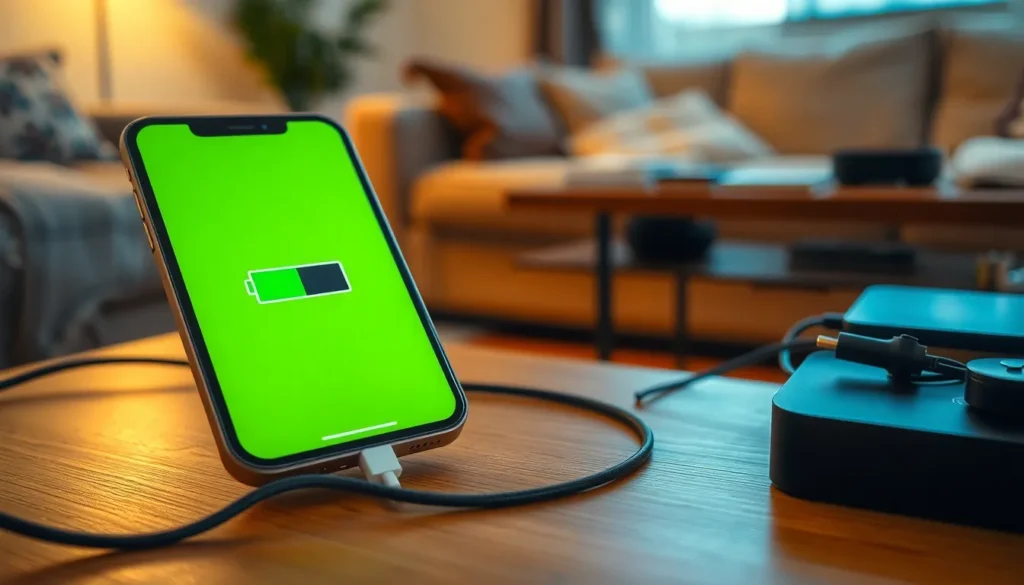
It’s a familiar scene: you pick up your iPhone, ready to dive into your day, only to be greeted by that dreaded low battery warning. Panic sets in as you wonder why your trusty device won’t charge. Is it the charger? The port? Or did your phone just decide to join a secret cult of non-charging devices?
Fear not! Understanding the reasons behind this frustrating issue can save you from a day of anxiety and frantic searches for a power outlet. From pesky lint in the charging port to the infamous battery fatigue, there are plenty of culprits at play. Let’s unravel the mystery and get your iPhone back to its fully charged glory, so you can scroll, snap, and stream without a care in the world.
Common Reasons Why iPhone Won’t Charge
Several factors can contribute to an iPhone not charging. These issues often stem from physical damage, component failure, or software inconsistencies.
Faulty Charging Cable
Using a damaged charging cable leads to connection failures. Frayed wires or broken connectors often prevent power from reaching the device. Inspecting the cable for visible wear and tear is essential. Testing the cable with another iPhone can help identify if the cable is the problem. Additionally, using original or certified cables ensures compatibility and reliability.
Damaged Charging Port
A dirty or damaged charging port frequently causes charging issues. Debris accumulation in the port can obstruct the connection. Cleaning the port with a soft, dry brush can resolve this issue. Furthermore, examining the port for physical damage, such as bent pins, provides insight into potential problems. Using compressed air to remove stubborn dust ensures a clean connection when plugging in the charger.
Software Issues
Software glitches may prevent an iPhone from charging effectively. Restarting the device often helps reset any temporary glitches. Ensuring that the device runs the latest iOS version can eliminate known bugs. If problems persist after updating, restoring the device through iTunes may resolve deeper software issues. Regularly backing up the device ensures that important data is not lost during this process.
Troubleshooting Steps to Take
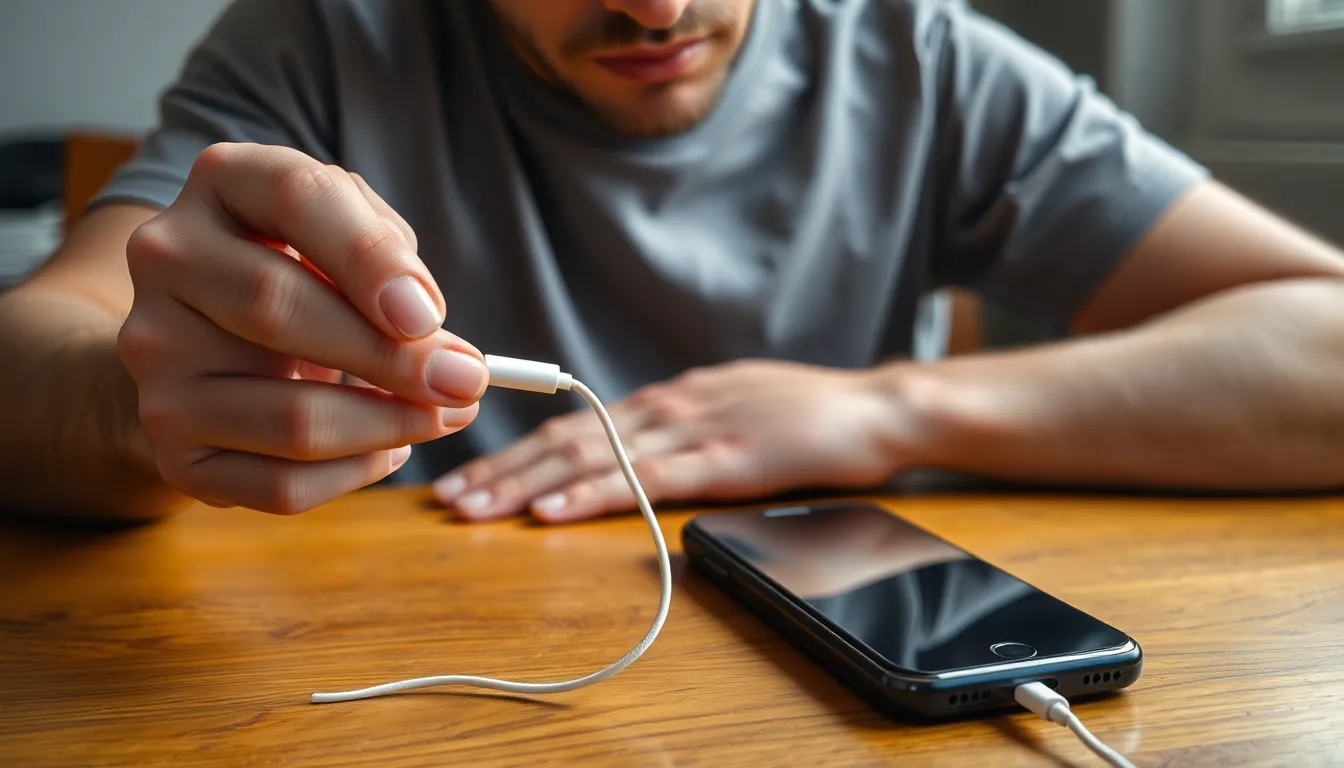
The following steps can help identify and resolve issues preventing an iPhone from charging.
Inspect the Charging Cable
Inspecting the charging cable is crucial. Look for frayed wires or kinks that might affect functionality. A visual check can reveal damaged connectors that may not make contact effectively. Using another compatible cable for testing allows for easy identification of a faulty charger. Trying out multiple cables can help determine if the problem lies with the original cable.
Clean the Charging Port
Cleaning the charging port can solve many issues. Dust, lint, or debris can accumulate over time and block connections. Using a flashlight can assist in identifying any obstructions. A toothpick or a small brush gently removes debris without damaging the port’s internal components. Ensuring the port is free of contaminants can restore charging capability effectively.
Force Restart the iPhone
Forcing a restart can rectify software glitches. Holding the side and volume buttons simultaneously triggers the device to restart. This simple action often resolves temporary issues and might restore charging functionality. Performing a force restart requires timing, typically releasing the buttons once the Apple logo appears. Attempting this step can resolve unexpected software-related problems quickly.
When to Seek Professional Help
Recognizing when to seek professional assistance can prevent further damage to the iPhone. Several indicators suggest it’s time to contact a specialist.
Signs of Hardware Damage
Visible cracks on the screen or a bent frame indicate physical damage. Consequences of drops often include issues beyond visual impairment, like internal component failure. Unusual sounds during charging may suggest hardware malfunctions. Additionally, if the iPhone feels unusually hot while charging, it signals a potential hardware issue. Frequent disconnections or failure to charge completely can result from internal defects. Observing these symptoms warrants professional evaluation to avoid aggravating the problem.
Contacting Apple Support
Reaching out to Apple Support provides reliable assistance for unresolved charging issues. Users experiencing continual problems despite troubleshooting efforts should connect with support representatives. They can diagnose complex issues that general fixes might overlook. Apple offers diagnostics, repair services, and guidance on warranty coverage. Visiting an authorized service provider can also address hardware malfunctions safely. Having the device’s warranty information handy simplifies the support process and ensures users receive appropriate help efficiently.
Preventative Measures for Charging Issues
Addressing potential charging issues before they arise improves an iPhone’s performance. Following a few simple practices ensures reliable charging.
Using Quality Accessories
Using high-quality charging cables and adapters prevents damage and enhances performance. MFi-certified accessories, which meet Apple’s standards, reduce risks of compatibility issues. Purchasing from reputable retailers guarantees authenticity, ensuring reliable charging capabilities. Users should avoid cheap, off-brand alternatives, as these often lead to connection failures and device malfunctions. Regular replacement of worn cables maintains effective power delivery. Selecting the right power source also matters; using an original Apple adapter and avoiding third-party chargers often yields better results.
Regular Maintenance Tips
Regularly inspecting the charging port keeps devices running smoothly. Cleaning the port with a dry, soft brush or compressed air removes debris that could hinder connections. Additionally, users ought to check cables for frays or damage to avert malfunction. Updating the iOS and app software helps eliminate bugs that may affect charging performance. Scheduling routine check-ups with a technician ensures hardware issues are caught early. Consistently backing up data protects important information in case repairs become necessary.
Dealing with an iPhone that won’t charge can be frustrating but understanding the common causes can make troubleshooting easier. By inspecting cables and ports and addressing software issues users can often resolve charging problems on their own.
When physical damage or persistent issues arise seeking professional help is crucial to avoid further complications. Taking preventative measures like using certified accessories and maintaining the device can significantly enhance charging performance.
With the right approach users can ensure their iPhone remains reliable and ready for daily use.